
What this walkthrough is for
SEC filings are the primary record. Summaries, earnings decks, and news wires are secondary. This guide shows how to open those documents inside Vest Terminal, which form to read in which order, and how to park what you learn next to DES, FA, ownership, and the research memo.
You do not need a law degree. You need a repeatable order of operations so a 200-page 10-K does not become a tab you never finish.
The filing types that actually change a decision
- 10-K — annual report: business, risks, audited statements, MD&A
- 10-Q — quarterly update: current period vs the last 10-K
- 8-K — material events between quarters (deal, restatement, guidance, officer change)
- Form 3 / 4 / 5 — insider ownership and trades
- 13F — large institutional holdings (lagged, still useful for crowding)
- 20-F / 6-K — foreign issuers; treat like 10-K / current reports
Vest Terminal also surfaces SD, 144, S-1, and DEF 14A. Those matter for specific jobs (conflict minerals, resales, IPOs, proxies). For a routine name on a watchlist, stay on 10-K → 10-Q → 8-K, then insiders.
Step 1 — Open the ticker, then FILINGS
Load the company in the terminal the same way you would for DES. From the module row, open FILINGS (the CF / corporate filings view). You should see form type, filing date, and a document link — not a paraphrase of Item 1A. If a row is missing, the company has not filed that form recently, or the feed has not caught up; fall back to the SEC company page rather than inventing a narrative.
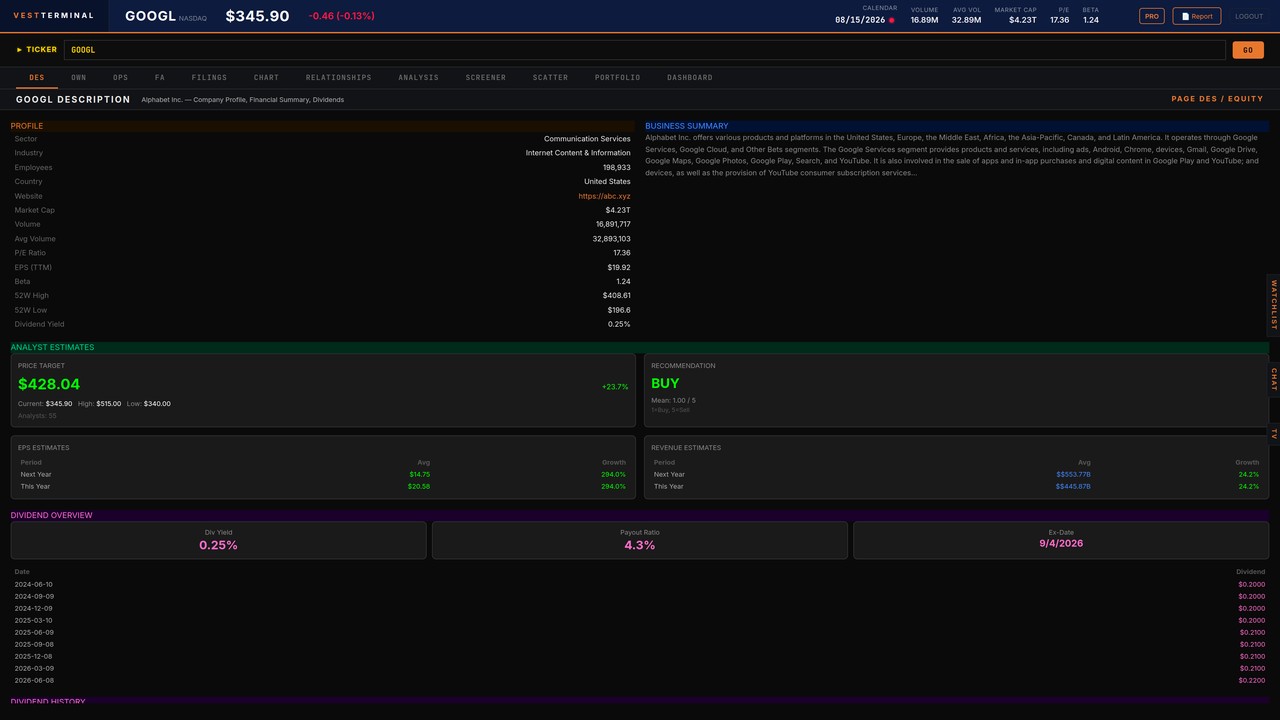
Keep DES open in your head: what the company sells, who pays, and whether the latest print already implies a story the filing might contradict.
Step 2 — Sort by form, not by curiosity
- Find the most recent 10-K (or 20-F). Note the period end and filing date.
- Find 10-Qs after that 10-K. You want the current fiscal year, not a random quarter from two years ago.
- Scan 8-Ks dated after the last 10-Q. Material events belong here; ignore routine exhibit noise until you need it.
- Open Form 4 only after you know the business. Insider buys/sells without a thesis are trivia.
Color coding in the filings list (10-K vs 10-Q vs 8-K vs Form 4) is there so you do not treat every row as equal. Annual reports and current reports outrank ownership forms for a first pass.
Step 3 — Read a 10-K in 25 minutes, not three hours
Open the document link. Use this pass, in order:
- Business (Item 1): products, customers, how cash is earned. Match it against DES. If they disagree, trust the 10-K and update your notes.
- Risk factors (Item 1A): read the first page of risks, then search for words that are new versus last year (litigation, going concern, covenant, cybersecurity, customer concentration).
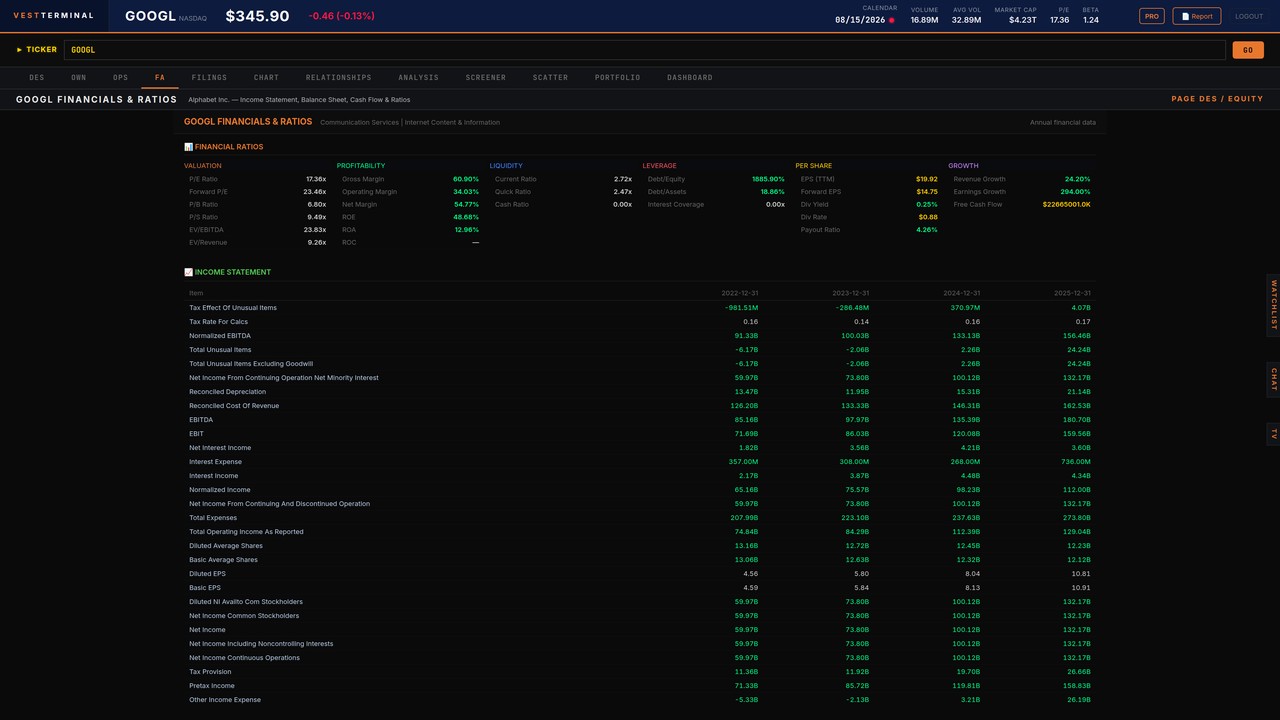
- MD&A: revenue drivers, margin walk, liquidity. This is where management explains the FA numbers you already have in financial statements.
- Liquidity and capital resources: debt due, revolver, buybacks, dividends. Pair with debt to equity and free cash flow.
- Notes that actually bite: related parties, contingencies, revenue recognition changes, subsequent events.
Do not highlight the entire risk-factor section. Copy three bullets into your notes: what could break the thesis, what is generic industry noise, and what is new this year.
Open a ticker and run this 10-K pass on a name you already know.
Start FreeStep 4 — 10-Q is a delta, not a second 10-K
A 10-Q answers: what changed since the annual report? Read the income statement and cash flow versus the last 10-K, then MD&A for the quarter. Search for “restatement”, “impairment”, “going concern”, “goodwill”, and “non-GAAP”. If nothing material moved, you are done in ten minutes.
Tie the quarter back to EPS and the earnings season playbook. Filings explain the print; they are not a substitute for knowing whether the print beat a number you actually use.
Step 5 — 8-K: treat it as an interrupt
An 8-K is the company tapping you on the shoulder between scheduled reports. Read the Item list first (Item 1.01 agreements, 2.01 acquisitions, 2.02 results, 5.02 departures, 7.01 Reg FD). If the 8-K is an earnings release, use it as a pointer into the 10-Q, not as the full story.
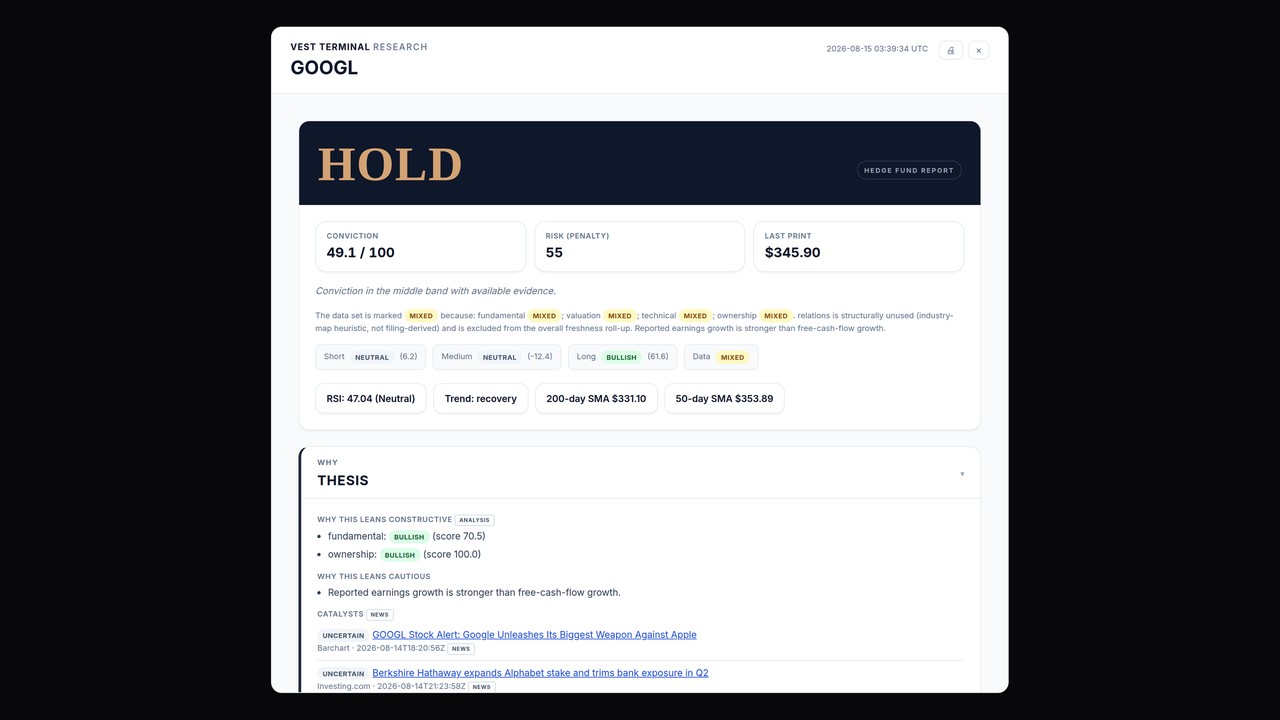
If Vest Terminal’s research memo lists 10-K / 10-Q / 8-K rows, those rows are citations — form, date, link. The memo does not paraphrase unread risk language. Click through.
Step 6 — Ownership forms after the business is clear
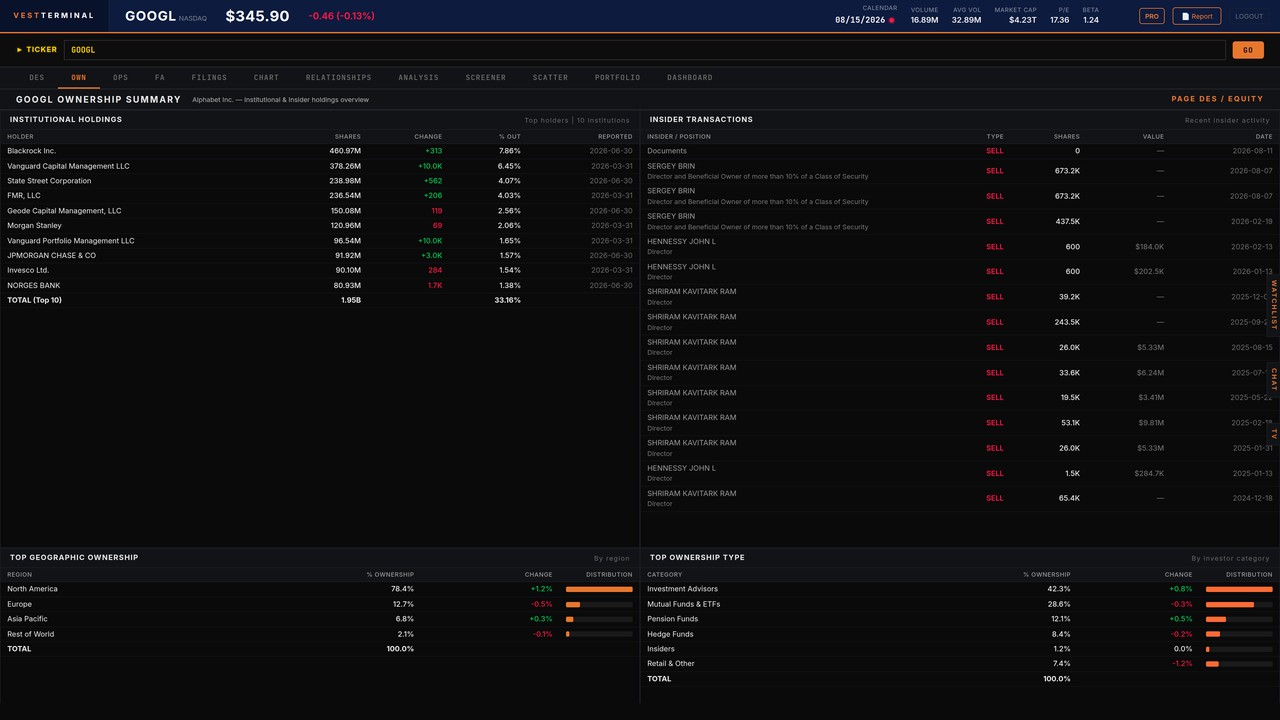
Form 4 is useful when you already know whether insiders are typically sellers (compensation) or rare buyers. A cluster of open-market purchases after a drawdown is a signal; a scheduled 10b5-1 sale is usually not. 13F holdings are lagged by weeks; use them for crowding and peer ownership, not as a live tape.
OWN in the terminal is the live ownership context. Filings are the source documents behind those rows. See reading a stock before you buy for how filings sit in a first-pass checklist.
Step 7 — Write four lines, then stop
- What the business is, in one sentence, from Item 1
- One risk that is specific (not “competition exists”)
- Whether cash and leverage still match the FA screen
- What would make you re-read the next 8-K immediately
If you cannot fill those four lines, you skimmed. Open the 10-K again or pick a simpler issuer. Process beats volume: two filings read well beat ten PDFs left unread.
A one-hour loop you can reuse
Watchlist or screener → DES → FILINGS (10-K pass) → FA for the numbers the MD&A just named → ownership if the thesis involves insiders or a crowded 13F → chart last. That is the same loop as how to screen stocks, with filings as the primary-source step instead of a filter tweak.
On free plans, budget the daily filings allowance for names you might actually own. Do not spend the cap on curiosity tickers. Paid plans lift the cap; the checklist does not change.
What not to do
- Do not treat an AI or news summary as a substitute for the 10-K risk section you have not opened.
- Do not copy Item 1A wholesale into a model. Extract the three risks that would actually change size or pass.
- Do not backfill social posts about a filing you have not read. The document is the work.
- Do not ignore 8-Ks after a “quiet” quarter. Quiet quarters still file current reports.
Next
Pick one large cap you already follow. Run the 10-K pass, then the latest 10-Q, then any 8-K since. Put the four-line note next to the ticker. Tomorrow, do a second name. When that is muscle memory, add Form 4. When you want the definitions behind the numbers, use EPS, free cash flow, and the fundamental analysis workflow.